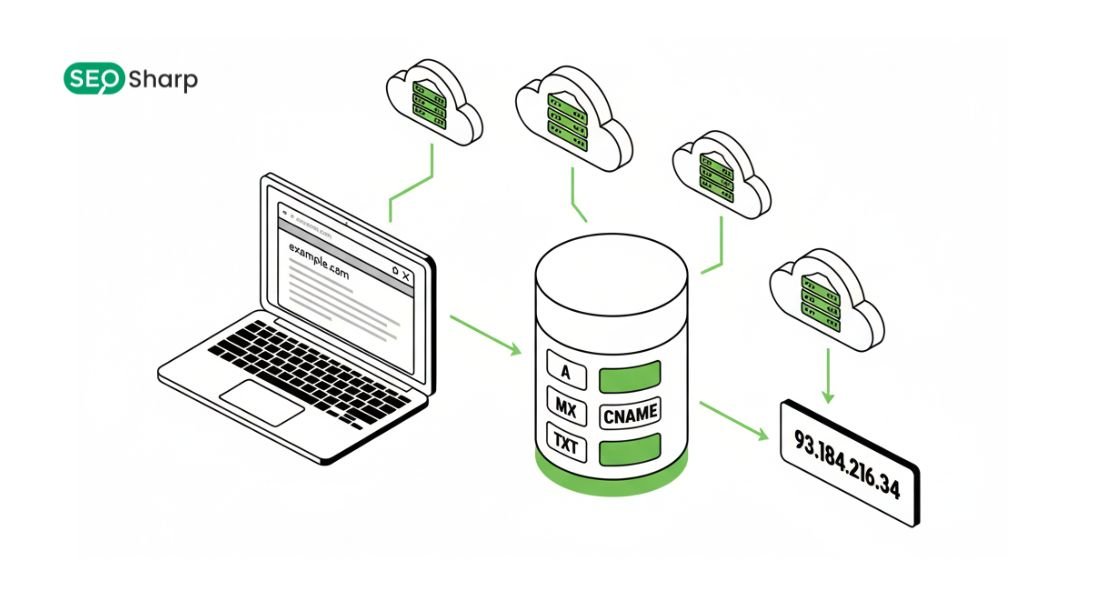
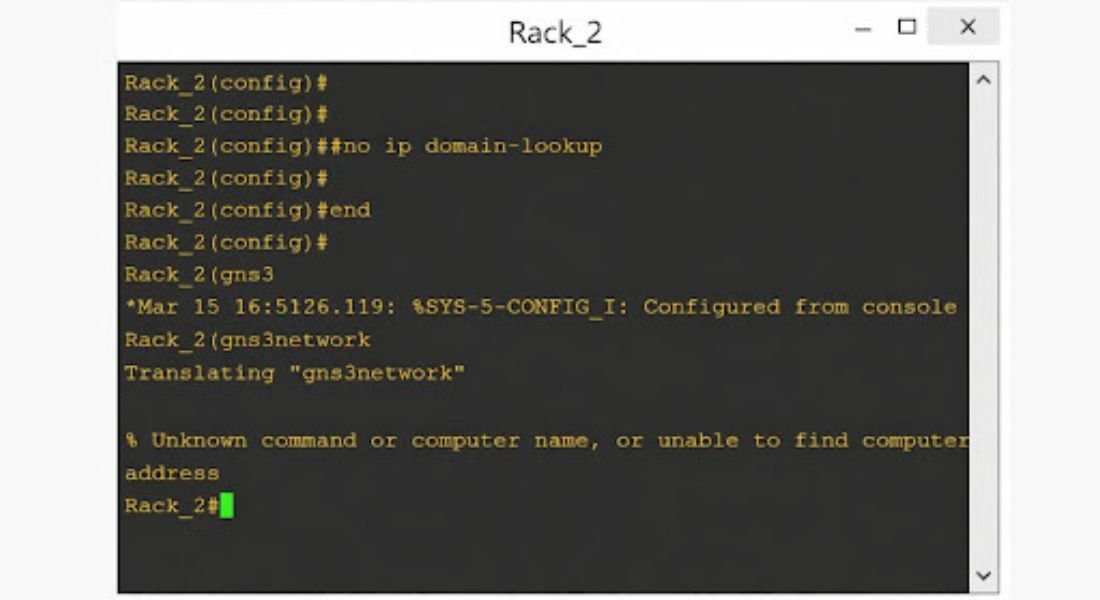
How to disable DNS lookup on a switch is a commonly searched networking task because it directly affects command-line responsiveness on Cisco switches. DNS lookup forces the switch to treat unknown or mistyped commands as hostnames and attempt name resolution which often results in unnecessary delays and CLI freezes.
Network engineers students and enterprise administrators rely on this configuration to speed up troubleshooting, reduce operational friction and maintain a smoother workflow, especially in environments where DNS is not required at the switch level.
What DNS Lookup Means on a Switch?
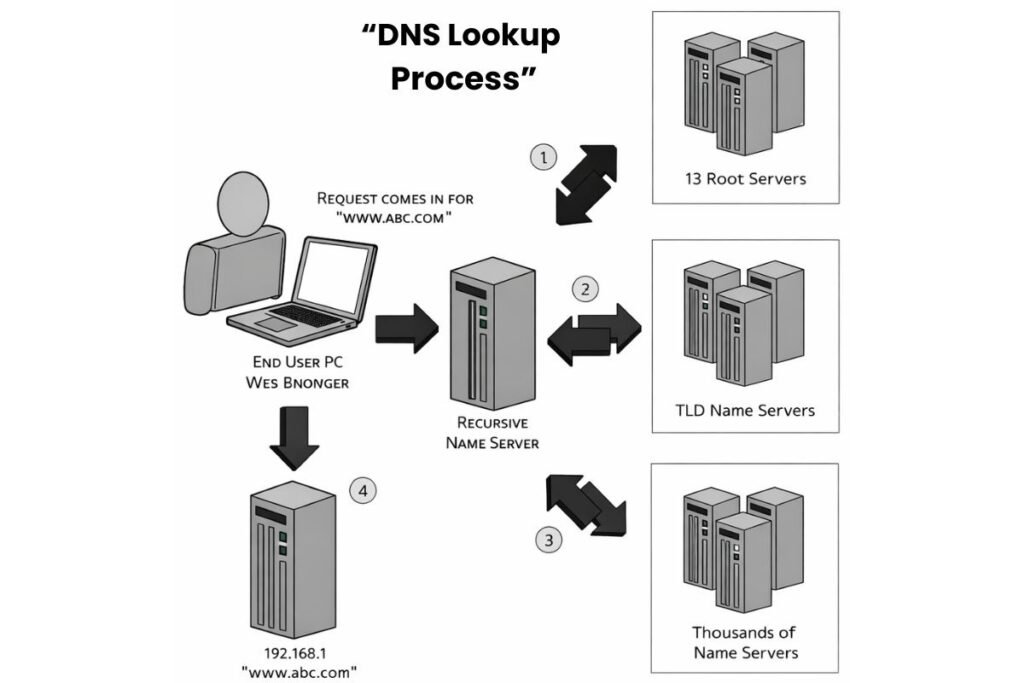
DNS lookup on a switch refers to the automatic process of converting text-based input into an IP address using configured DNS servers. Cisco switches treat any unrecognized CLI input as a possible hostname.
If DNS lookup is enabled the switch sends a query to the DNS server and waits for a response before returning control to the user. In real environments this behavior affects productivity more than expected.
Network engineers often work quickly and type commands repeatedly across multiple devices. Even a minor typo can cause the switch to pause while attempting DNS resolution.
Over time these pauses interrupt workflow, slow down troubleshooting and reduce overall efficiency. This is one of the main reasons administrators actively search for how to disable DNS lookup on switch-based networks.
Why DNS Lookup Is Enabled by Default on Cisco Switches?
Cisco enables DNS lookup by default to support hostname-based management and flexibility. In networks with properly configured DNS infrastructure administrators can reference servers routers and services by hostname instead of memorizing IP addresses.
This approach simplifies management and improves readability in some environments.However many switches operate without any need for DNS resolution.Access switches lab devices and isolated network segments often do not have DNS servers configured.
In these cases default DNS lookup behavior becomes a disadvantage rather than a benefit. This is why DNS related delays are frequently confused with broader problems such as DNS Lookup Failed events during device access or configuration.
Common Problems Caused by DNS Lookup on Switches
The most common issue caused by DNS lookup is CLI delay. When a command is mistyped the switch waits for DNS resolution instead of immediately returning an error. These delays may last several seconds and disrupt configuration flow especially during time sensitive tasks.
Another problem is troubleshooting confusion. Engineers may assume the device is overloaded or experiencing connectivity issues when in reality it is simply waiting for a DNS response. This misinterpretation leads to unnecessary diagnostics and wasted effort.
In larger environments these symptoms are often associated with investigations into How to Fix Slow DNS Lookup across the network. Security is also a consideration.
Unintended DNS queries may expose internal naming structures or device identifiers to external DNS servers. While not always critical, disabling unnecessary DNS behavior aligns with security best practices and reduces attack surface.
How to Disable DNS Lookup on a Switch (Step-by-Step)?
Disabling DNS lookup on a Cisco switch is a safe and widely recommended practice. It does not affect switching routing or packet forwarding. Begin by accessing the device through the console SSH or Telnet. Enter privileged EXEC mode:
Switch> enable
Move into global configuration mode:
Switch# configure terminal
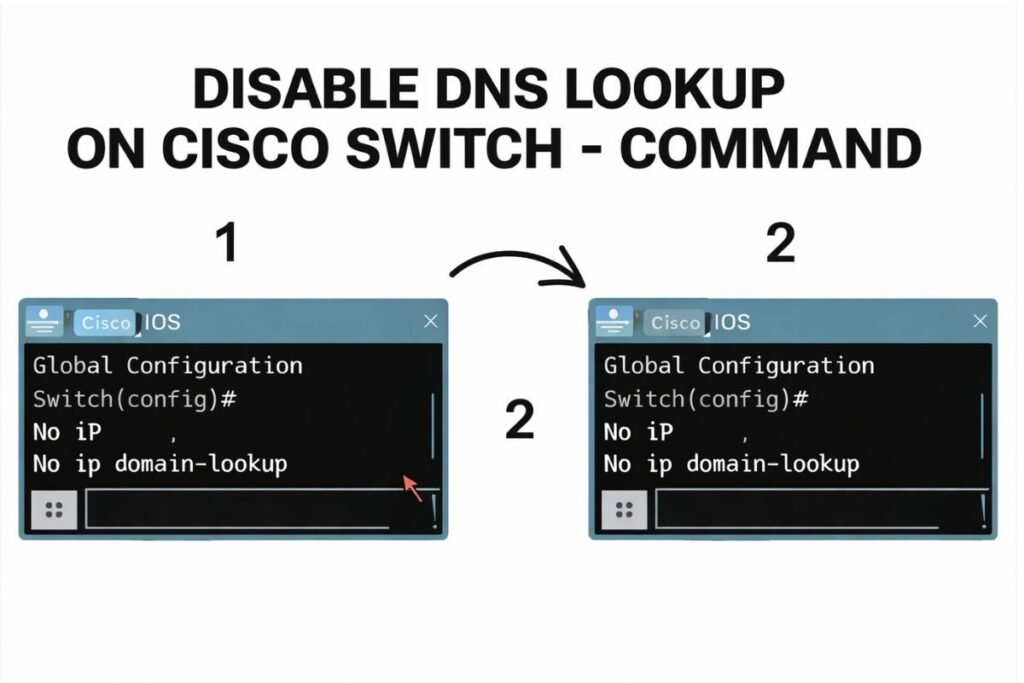
Disable DNS lookup using the following command. This command must remain exactly as shown:
Switch(config)# no ip domain-lookup
Exit configuration mode:
Switch(config)# exit
Switch#
Save the configuration so it remains active after a reboot:
Switch# copy running-config startup-config
This single configuration change completely disables automatic DNS resolution for unrecognized input. In Cisco environments this is commonly documented as Disable DNS Lookup Cisco and is considered a baseline configuration step.
How to Verify DNS Lookup Is Disabled?
Verification is a critical step because configuration changes are only useful when they behave exactly as expected in real scenarios. After disabling DNS lookup administrators should immediately confirm that the switch no longer attempts name resolution when it encounters unknown input.
This validation prevents confusion later and ensures the device responds instantly during live configuration sessions. To confirm the current DNS lookup status run the following command exactly as shown:
Switch# show running-config | include domain-lookup
If DNS lookup is disabled the output clearly reflects the configuration state. The most noticeable improvement appears during day to day use: mistyped or incomplete commands return errors instantly instead of freezing the CLI.
This immediate feedback reduces hesitation improves accuracy and makes working on production switches far more comfortable especially during time-sensitive maintenance windows.
Understanding DNS Behavior After Disabling Lookup
Disabling DNS lookup does not remove DNS capabilities entirely from the switch. Instead it stops the automatic behavior that treats unrecognized CLI input as potential hostnames. The switch no longer pauses to query external servers which eliminates unnecessary delays and unpredictable timeouts.
At the same time, explicitly configured names to IP mappings continue to function locally. This allows administrators to retain controlled name resolution where it actually adds value.
The result is a faster, more deterministic command line experience that aligns well with modern automation practices and scripted workflows while keeping switch behavior simple and predictable.
Static Hostnames vs Dynamic DNS Queries
Static hostname configuration gives administrators full control over how names are resolved on the switch. By defining mappings manually resolution becomes instant and independent of network reachability or external services.
This approach is particularly effective in secure segmented or lab environments where stability and repeatability matter more than flexibility.Dynamic queries by contrast rely on multiple external factors such as DNS server availability routing and response time.
While this flexibility can be useful in some management-heavy environments it often introduces latency and uncertainty at the switch level. For this reason many enterprise teams favor static mappings combined with disabled automatic lookup to keep operational tasks fast and reliable.
DNS Lookup and Network Performance
From a performance perspective a single lookup may seem insignificant but repeated unnecessary queries quickly add up. Each delay interrupts administrative flow and adds background traffic that complicates monitoring and troubleshooting.
Removing these queries at the device level simplifies network behavior and makes performance patterns easier to analyze.In environments running both address families, name resolution logic becomes more complex and harder to trace.
Clear control over lookup behavior at the switch helps reduce that complexity and keeps network operations focused on traffic forwarding rather than management plane delays.
Troubleshooting After Disabling DNS Lookup
If command-line delays continue after disabling lookup the issue usually lies elsewhere. Reviewing leftover name server configuration and unused DNS related settings is a good starting point. It is also important to confirm that no scripts or automation routines assume hostname resolution on the switch itself.
When DNS symptoms appear during wider investigations external diagnostic tools are often responsible for revealing the real source of the problem. These checks help determine whether delays originate from endpoints servers or upstream services rather than the switching infrastructure.
DNS Lookup in Enterprise Operations
In enterprise environments small optimizations have a noticeable impact at scale. Disabling DNS lookup improves consistency across devices and removes a common source of frustration for engineers working under pressure.
Faster responses and clearer error handling lead to more confident changes and fewer mistakes. This configuration choice also fits neatly alongside broader DNS workflows that are handled outside the switch.
Testing and validation remain fully possible without relying on automatic resolution during CLI interaction keeping responsibilities clearly separated between infrastructure layers.
Advanced Considerations for Large Networks
Large networks demand consistency. Applying the same DNS behavior across access distribution and core switches reduces ambiguity and ensures that engineers know exactly how devices will respond.
Standardized configurations also simplify documentation audits and onboarding for new team members.In hybrid environments that span multiple platforms administrators often rely on external diagnostics to maintain visibility.
Even when lookup is disabled on switches, understanding where name resolution is handled elsewhere remains essential for complete operational awareness.
When You Should Not Disable DNS Lookup?
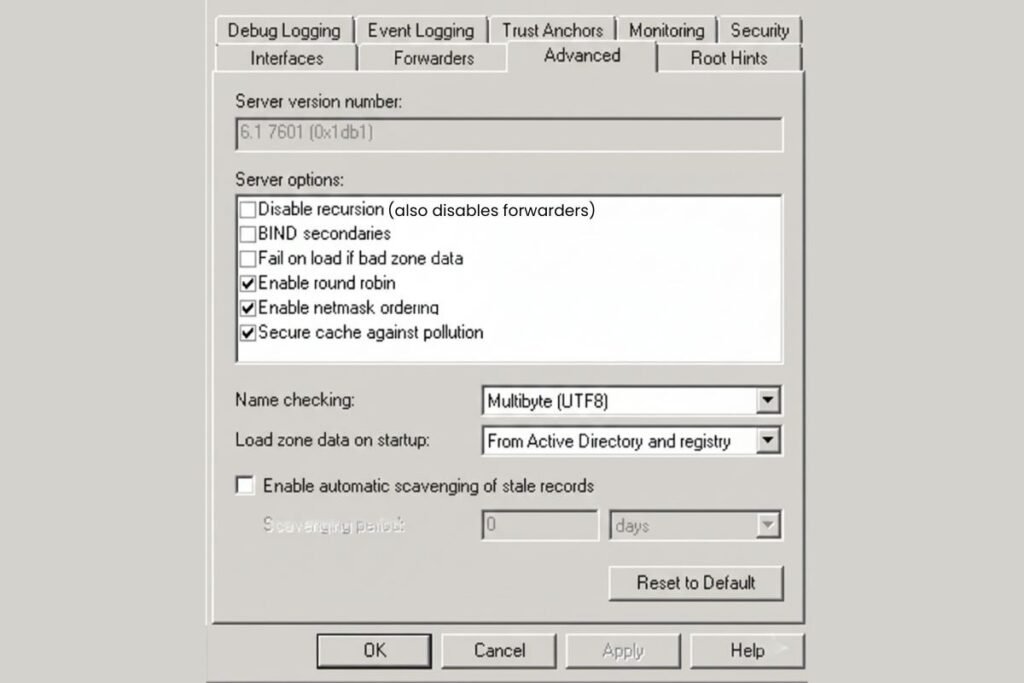
There are cases where keeping DNS lookup enabled makes sense. Networks that depend heavily on hostname-based workflows and maintain stable well-monitored DNS infrastructure may benefit from this behavior particularly on management focused devices.
Even in these scenarios many organizations selectively disable lookup on access and distribution layers while allowing it on systems where hostname resolution clearly improves productivity. The key is intentional configuration rather than relying on defaults.
Conclusion
Disabling DNS lookup on a switch is a small configuration change that delivers immediate practical benefits. Faster command execution, clearer feedback and predictable behavior make daily network management smoother and more efficient.
For professionals who want to validate DNS behavior beyond the switch itself, Seosharp provides a free DNS Lookup tool designed to simplify analysis across different record types and environments.
With focused tools and clear guidance Seosharp supports engineers who prioritize accuracy, speed and operational clarity.
FAQs
Does disabling DNS lookup affect normal switch operation?
No. Switching routing and traffic forwarding continue to work normally because DNS lookup only affects how the CLI handles unrecognized input.
Can DNS lookup be enabled again if required?
Yes. DNS lookup can be re-enabled at any time through global configuration mode without impacting existing network traffic.
Is DNS lookup required for SSH or Telnet access?
No. Remote access works perfectly with IP addresses even when DNS lookup is disabled on the switch.
Why does the switch pause when a command is mistyped?
The pause occurs because the switch attempts to resolve the mistyped text as a hostname using DNS before returning control.
Is disabling DNS lookup recommended for labs and training environments?
Yes. It removes delays, improves responsiveness and makes learning and practice environments much smoother.