
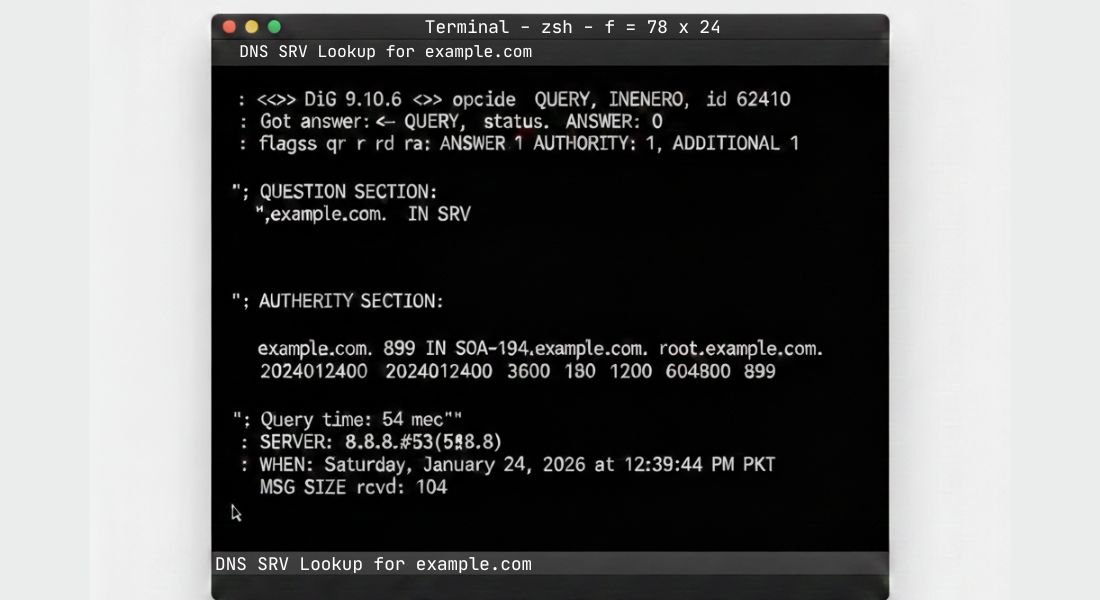
A DNS SRV lookup is a type of DNS query that finds Service (SRV) records showing not just where a service is but how to connect including hostname port protocol priority and weight.
Unlike basic A or AAAA record queries, SRV lookups reveal service endpoints for VoIP messaging (XMPP) load balanced applications and SaaS platforms.
Performing an SRV lookup lets you verify service availability, troubleshoot routing issues, validate DNS configurations and monitor propagation delays.
You can use command-line tools like nslookup dig resolve-dnsname or host or visual platforms like SEOSharp’s DNS Lookup Tool for global propagation checks.
Understanding SRV records ensures reliable UX faster connectivity and stronger DNS performance.
This article explains SRV records how lookups work across Windows macOS and Linux interpreting results troubleshooting common issues and leveraging SEOSharp for accurate actionable DNS insights.
What Is DNS SRV Lookup?
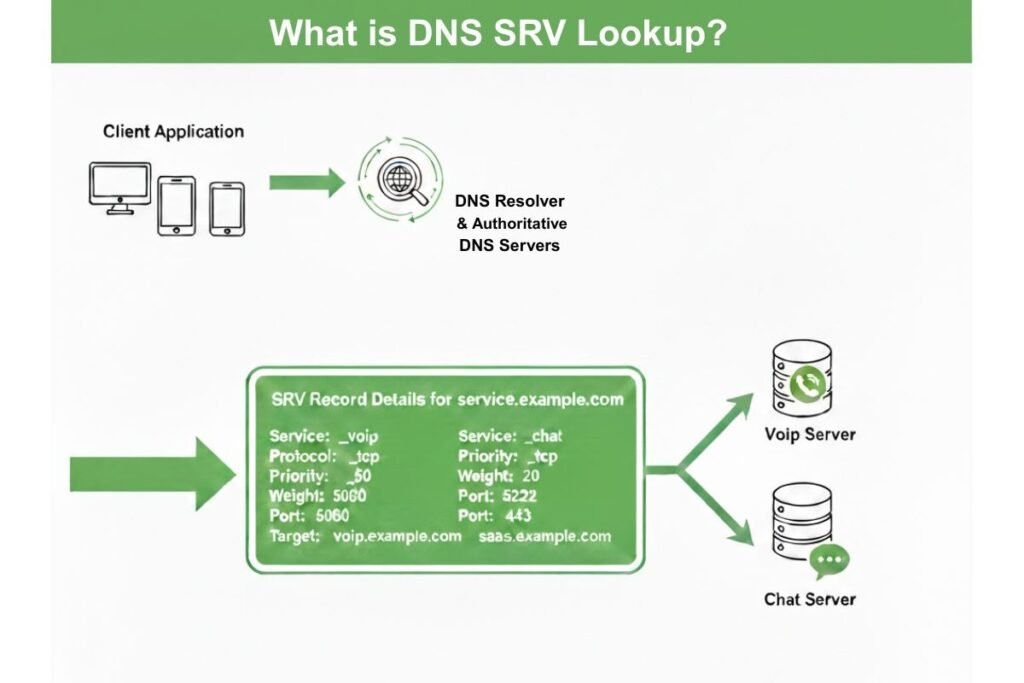
A DNS SRV lookup is a specialized type of DNS query that retrieves Service (SRV) records from the Domain Name System. Unlike standard DNS lookups which return only IP addresses through A or AAAA records, SRV lookups provide in depth information about a service including its hostname port protocol priority and weight.
This information helps applications such as VoIP servers, XMPP messaging platforms and enterprise SaaS systems identify the correct service endpoint and connect efficiently without delays.
Performing an SRV lookup allows network administrators and IT teams to verify service availability, troubleshoot routing or connectivity issues, monitor propagation across DNS servers and validate configurations to prevent misconfigurations.
Using tools like nslookup dig resolve dnsname host or SEOSharp’s DNS Lookup Tool users can quickly perform SRV queries view global DNS responses and ensure that their services are reachable and reliable.
Proper use of SRV lookups not only improves network performance and reliability but also supports seamless application delivery and strengthens overall DNS trustworthiness.
Why Do SRV Records Matter for Modern Applications?
SRV records are critical for modern applications that depend on dynamic service discovery and load balanced endpoints. Without SRV records applications may struggle to find the correct service instance causing connection failures latency or downtime.
These records allow services to define priorities and weights so that traffic can be routed efficiently among multiple servers. For SaaS platforms VoIP or messaging systems SRV records ensure consistent user experiences, faster connectivity and higher trust in service reliability.
Checking and monitoring SRV records regularly helps IT teams detect misconfigurations before they impact users.
How Does DNS SRV Lookup Work Behind the Scenes?
When you perform an SRV lookup your request begins at a recursive DNS resolver which may be provided by your ISP, a public DNS server or a private corporate resolver.
This resolver does not hold the SRV record itself; instead it systematically queries the root DNS servers to locate the correct top level domain (TLD) servers for the domain in question.
The TLD servers then point the resolver to the authoritative DNS server which contains the definitive SRV record for the service.
This record provides essential information such as the service’s hostname port number protocol priority and weight which together determine how client applications connect to the service.
This multi step resolution process explains why SRV lookup results can differ depending on geographic location network configuration or DNS caching behavior.
Understanding this flow is crucial because misconfigurations, delayed propagation or inconsistent DNS responses can lead to service downtime, slow connectivity or failed connections.
Additionally SRV lookups allow administrators to monitor load balanced services, detect failover paths and validate that distributed applications messaging servers and VoIP endpoints are reachable across multiple networks.
By analyzing these results carefully organizations can ensure reliable service delivery optimize network performance and anticipate potential issues before they impact end users.
What Tools Can You Use to Perform DNS SRV Lookup?
SRV lookups can be performed using a combination of command line and online tools. Command line utilities like nslookup dig, resolve-dnsname and host provide granular control and detailed information about SRV records while SEOSharp’s DNS Lookup Tool offers a user-friendly interface to check SRV records globally.
This tool not only shows record details but also monitors propagation and server reliability. Using both command line queries and a visual tool allows administrators to verify configurations locally and confirm global consistency providing faster troubleshooting and improved network performance.
How Do You Perform DNS SRV Lookup on Windows?
On Windows SRV lookups can be performed using the Command Prompt or PowerShell. In Command Prompt the nslookup command allows querying specific SRV records:
nslookup -type=SRV _sip._tcp.example.com
In PowerShell Resolve-DnsName provides additional functionality and insights:
Resolve-DnsName -Type SRV _sip._tcp.example.com
These tools return the service hostname port priority and weight helping administrators troubleshoot service connectivity routing and propagation issues.
Clearing the DNS cache using ipconfig /flushdns before querying ensures the most up-to-date results.
How Do You Perform DNS SRV Lookup on macOS?
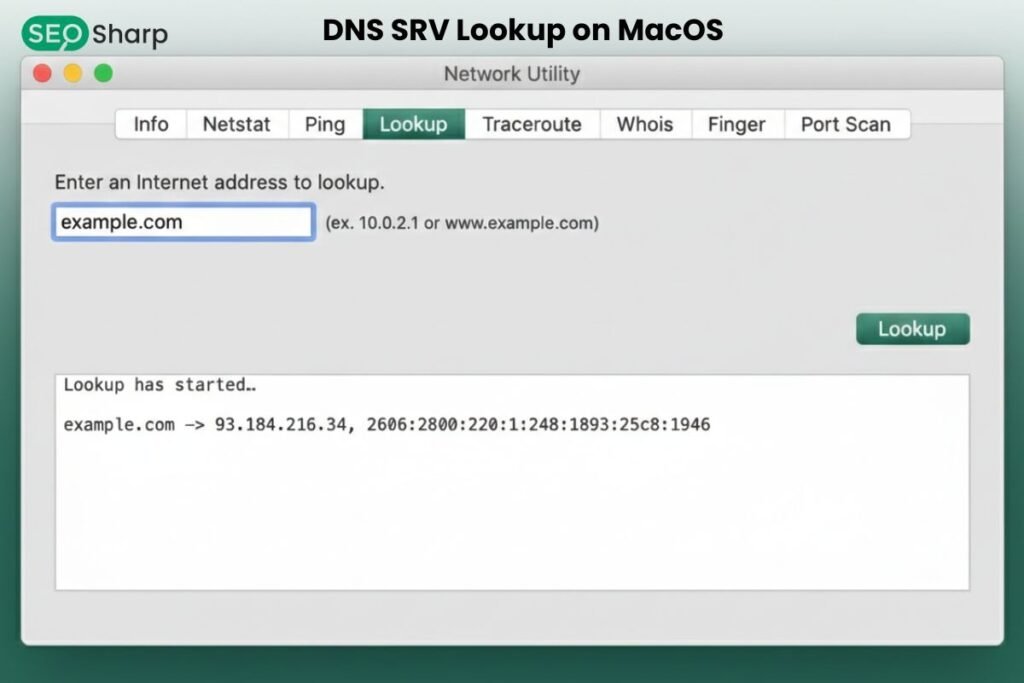
macOS users can run SRV lookups through the Terminal using the dig or nslookup commands. For example:
dig _sip._tcp.example.com SRV
or
nslookup -type=SRV _sip._tcp.example.com
MacOS may have multiple DNS resolvers configured for Wi-Fi Ethernet or VPNs which can affect results.
Running these queries helps verify that services like VoIP or messaging are accessible from the user’s network and ensures global consistency when compared with tools like SEOSharp’s DNS Lookup.
How Do You Perform DNS SRV Lookup on Linux?
Linux provides powerful DNS tools such as dig and host for SRV queries:
dig _sip._tcp.example.com SRV
host -t SRV _sip._tcp.example.com
Linux systems may use systemd resolved NetworkManager or custom resolvers which influence the resolution path.
These lookups are vital for servers running enterprise applications SaaS platforms or messaging systems enabling administrators to verify endpoints, troubleshoot misconfigurations and confirm proper load balancing between servers.
What Do SRV Lookup Results Mean (Priority Weight Port)?
SRV records include several essential fields that guide how clients connect to a service. The priority determines which server should be contacted first allowing critical services to be preferred over backups.
The weight distributes traffic among servers of the same priority enabling load balancing and preventing any single server from being overwhelmed.
The port specifies the exact entry point where the service listens for incoming connections while the target host identifies the actual server address handling the requests.
Understanding these fields is crucial for configuring reliable service routing redundancy and failover particularly in high availability systems such as VoIP networks XMPP messaging platforms and cloud based SaaS applications.
Correct interpretation of SRV results helps avoid misrouting, reduces downtime, ensures faster connectivity and allows network administrators to optimize network performance and reliability across different environments and locations.
How Can DNS SRV Lookup Help with Network Troubleshooting?
SRV lookups serve as a critical diagnostic tool for identifying and resolving service connectivity issues. They allow administrators to detect misconfigured SRV records, expired DNS entries or improper load balancing that could disrupt communication between clients and servers.
By comparing SRV lookup results across multiple networks or using global verification tools it becomes easier to distinguish between problems caused by local DNS resolvers and those stemming from global DNS propagation delays.
This detailed insight helps pinpoint the exact source of connectivity failures whether it’s a single server, a network segment or a broader DNS configuration issue.
Regular SRV checks also support redundancy planning, failover validation and traffic distribution ensuring that services like VoIP messaging and SaaS applications remain responsive.
Ultimately leveraging SRV lookups improves network reliability, speeds up troubleshooting and delivers a seamless and consistent user experience across all applications and endpoints.
What Are Common SRV Lookup Issues and How to Fix Them?
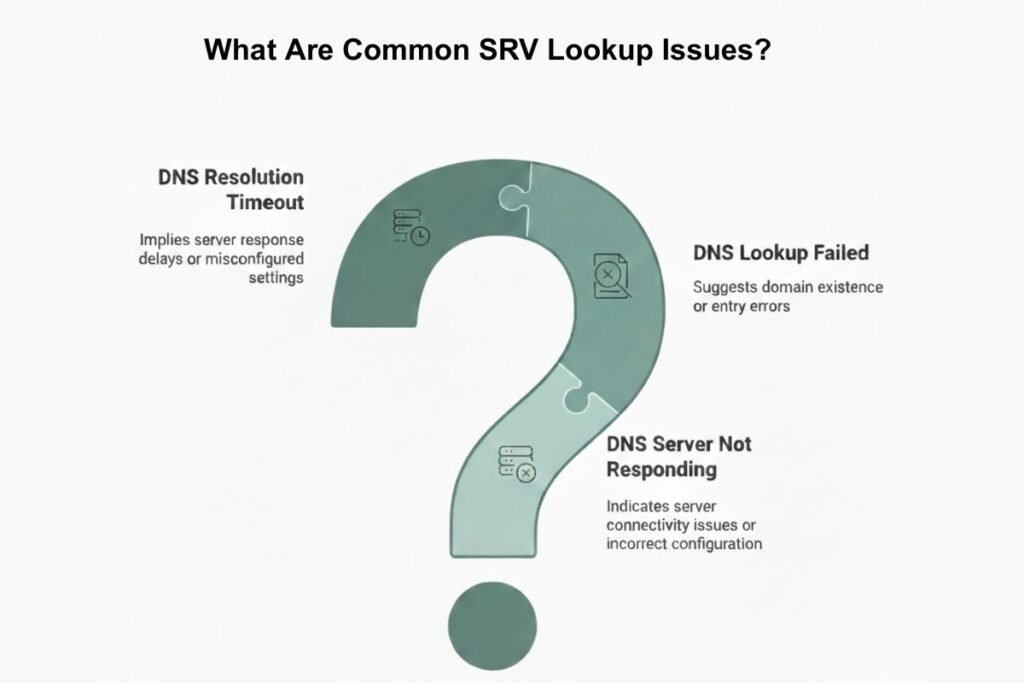
Common SRV lookup issues often arise from incorrect target hostnames, misconfigured priority or weight settings, stale cached records or delays in DNS propagation. These problems can prevent clients from connecting to the intended service or cause uneven traffic distribution across servers.
Network level obstacles such as firewall restrictions or restrictive network policies may also block SRV queries leading to apparent service failures.
To resolve these issues start by carefully verifying the SRV record details in your DNS zone ensuring that the target hosts ports and weights are correctly configured.
Next clear local and recursive DNS caches to avoid outdated results and confirm that changes have propagated globally by checking from multiple networks. Performing connectivity tests from different locations can reveal whether issues are localized or widespread.
Regular monitoring of SRV records combined with automated alerts and periodic validation helps maintain consistent service availability, reduces downtime and ensures smooth reliable connectivity for applications like VoIP messaging platforms and SaaS services.
Conclusion
DNS SRV lookup is a critical process for discovering validating and monitoring service endpoints across VoIP messaging platforms and SaaS applications.
Performing SRV lookups helps ensure that clients connect to the correct servers traffic is properly load balanced and failover mechanisms work as intended.
By combining command line SRV queries with visual DNS lookup tools administrators and developers can quickly identify misconfigurations, propagation delays or network issues.
Tools like SEOSharp’s free DNS Lookup Tool allow you to verify SRV records globally, track propagation in real time and troubleshoot connectivity challenges efficiently.
Regular SRV monitoring enhances overall service reliability, reduces downtime and builds confidence in network performance ultimately ensuring a seamless and consistent user experience.
Can SRV records improve VoIP call reliability?
Yes SRV records direct VoIP traffic to the correct servers minimizing dropped calls and connection issues. They also manage load balancing across multiple endpoints. Proper SRV configuration ensures smoother more reliable call quality.
Do I need SRV records for a website?
No SRV records are mainly for services like VoIP XMPP or enterprise SaaS endpoints. Websites typically rely on A or AAAA records for IP resolution. SRV records aren’t required unless your site hosts specialized service endpoints.
How long do SRV record changes take to propagate?
Propagation time depends on the record’s TTL (Time To Live) settings usually ranging from minutes to a few hours. Global DNS servers may update at slightly different intervals. Monitoring propagation ensures your changes are active everywhere.
Can SRV lookup detect misconfigured load balancing?
Yes, by examining priority and weight values SRV lookups reveal improper routing or uneven traffic distribution. This helps identify misconfigurations before they impact users. Correcting these ensures reliable service access.
Is SEOSharp DNS Lookup Tool better than command-line queries?
It complements command-line tools by providing global visibility propagation checks and a simple interface. Non-technical users can verify records quickly without complex commands. It’s ideal for troubleshooting and ensuring consistent service availability.